
Looker vs Tableau vs Power BI: BI Tool Comparison
BI | January 1, 2025


Choosing the right business intelligence (BI) tool can make or break your enterprise analytics strategy. Looker vs Tableau vs Power BI is a frequent debate among decision-makers, as each platform offers unique capabilities, scalability, and user experiences.
Selecting the right tool requires understanding features, integration, deployment, and how it aligns with business goals.
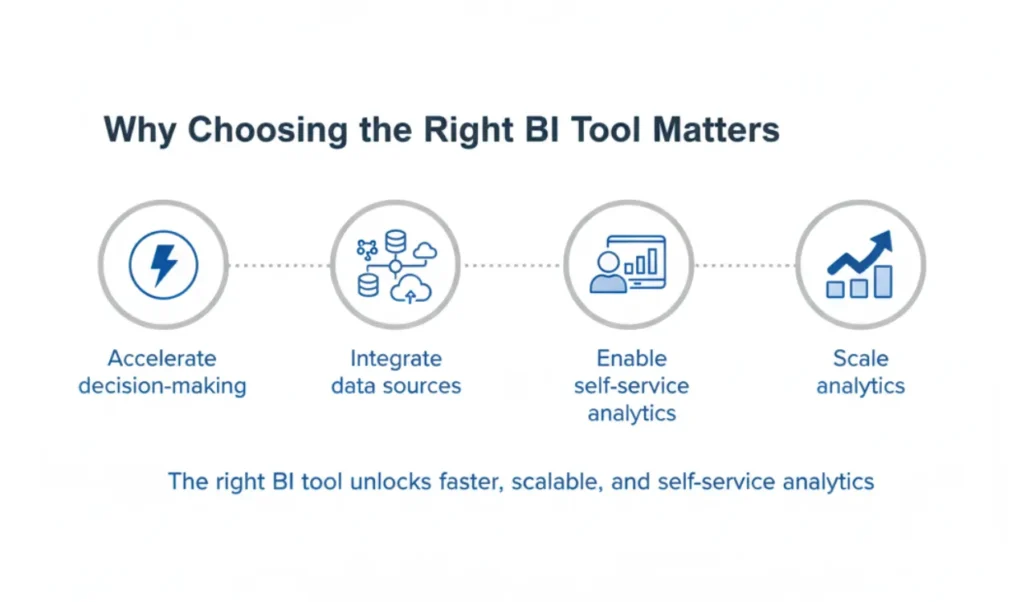
Why Choosing the Right BI Tool Matters
Selecting the right BI tool ensures your organization can:
- Accelerate data-driven decision-making
- Integrate disparate data sources efficiently
- Enable self-service analytics for business users
- Scale analytics as data volume and user base grow
A poorly chosen tool leads to siloed reporting, slow adoption, and high operational costs.
Talk to our BI Tool Experts – Schedule a 30-min consultation
Overview of Enterprise BI Landscape
Modern enterprises require BI platforms that:
- Provide real-time insights across cloud and on-premise data
- Support advanced analytics, AI, and predictive modeling
- Enable strong governance and compliance
- Empower users from executives to analysts
Learn about BI governance for enterprises.
Key Factors to Consider in a BI Tool
When comparing BI tools, assess:
- Data connectivity: Ability to connect to multiple sources
- Analytics capabilities: Dashboards, predictive analytics, AI features
- Deployment flexibility: Cloud, on-premise, or hybrid
- User experience: Ease of use, self-service capabilities
- Governance & security: Role-based access, audit logs
Looker Overview
Key Features of Looker
- Cloud-native BI with robust modeling layer (LookML)
- Real-time data exploration and dashboards
- Embedded analytics for applications
- Integrated with Google Cloud ecosystem
Pros and Cons of Looker
- Pros: Strong data modeling, cloud-native, scalable, good for embedded analytics
- Cons: Requires technical expertise, learning curve for LookML, less flexible offline
Ideal Use Cases and Business Scenarios
- Enterprise SaaS platforms needing embedded analytics
- Cloud-first organizations leveraging Google Cloud
- Teams requiring governed, centralized data models
Tableau Overview
Key Features of Tableau
- Drag-and-drop visual analytics
- Interactive dashboards and reports
- Strong integration with multiple data sources
- AI-powered analytics (Ask Data, Explain Data)
Pros and Cons of Tableau
- Pros: Intuitive visuals, extensive community support, flexible dashboarding
- Cons: Requires additional tools for data governance, server costs for on-premise
Ideal Use Cases and Business Scenarios
- Organizations focusing on visual storytelling and analytics adoption
- Enterprises needing executive dashboards and KPI tracking
- Analysts seeking self-service BI capabilities
Learn how row-level security works in Tableau.
Power BI Overview
Key Features of Power BI
- Deep integration with Microsoft 365 and Azure
- Self-service analytics with AI insights
- Embedded reporting capabilities
- Large-scale deployment at low cost
Pros and Cons of Power BI
- Pros: Cost-effective, seamless Microsoft integration, scalable for enterprise
- Cons: Limited cross-platform flexibility, performance may vary with large datasets
Ideal Use Cases and Business Scenarios
- Enterprises using Microsoft ecosystem extensively
- Teams needing cost-efficient, scalable analytics
- Organizations requiring operational dashboards and real-time reporting
Head-to-Head Comparison: Looker vs Tableau vs Power BI
Feature Comparison Table
Feature | Looker | Tableau | Power BI |
Dashboard & Visuals | Medium flexibility, centralized | Highly interactive, drag-drop | Moderate visuals, Excel-like familiarity |
Data Modeling | Strong (LookML) | Moderate | Basic to Advanced (DAX) |
Integration | Cloud-first, Google Cloud | Broad connectors | Microsoft stack optimized |
Analytics & AI | Predictive, embedded | Ask Data, Explain Data | AI insights, AutoML |
Deployment | Cloud | Cloud & On-Prem | Cloud & On-Prem |
Governance | Centralized | Moderate | Role-based security |
Deployment Options: Cloud, On-Prem, Hybrid
- Looker: Cloud-native only
- Tableau: Cloud, on-prem, hybrid
- Power BI: Cloud, on-prem (Power BI Report Server)
User Experience and Learning Curve
- Looker: Steep learning curve (LookML)
- Tableau: Moderate, visual-first adoption
- Power BI: Low, familiar for Excel users
Choosing the Right BI Tool for Your Enterprise
Factors to Align With Business Needs
- Existing technology stack (cloud vs Microsoft ecosystem)
- User roles and analytics maturity
- Reporting complexity and governance requirements
- Budget and licensing flexibility
Decision Matrix for Teams, IT, and Executives
Stakeholder | Priority | Tool Recommendation |
Analysts | Visual exploration, self-service | Tableau |
IT/Data Teams | Governance, modeling | Looker |
Executives | Cost, speed, integration | Power BI |
When to Consider Multi-Tool Strategies
Some enterprises leverage multiple BI tools for different use cases:
- Looker for embedded analytics
- Tableau for advanced visual analytics
- Power BI for operational dashboards
Explore executive dashboards for actionable insights.
Why Partner with Perceptive Analytics for BI Tool Evaluation
- Deep expertise across Looker, Tableau, and Power BI
- Tailored evaluation based on business, IT, and analytics needs
- Support from tool selection to deployment, governance, and training
- Ensure measurable ROI and adoption
Talk to our BI Tool Experts – Schedule a 30-min consultation
FAQs
Which BI tool is best for large enterprises?
It depends on your ecosystem and analytics requirements. Looker excels in cloud and centralized modeling, Tableau for visual storytelling, and Power BI for Microsoft integration and cost-effective deployment.
Can Looker, Tableau, and Power BI coexist in the same organization?
Yes, many enterprises use multiple tools for specialized scenarios. Governance and training are critical to ensure consistent metrics and data integrity.
How do licensing and costs compare across these tools?
- Looker: Subscription-based, cloud-only
- Tableau: Per-user subscription or on-prem license
- Power BI: Per-user or per-capacity license, cost-effective for large teams
What factors should influence BI tool selection?
Key factors include business needs, existing technology stack, governance, analytics maturity, budget, and user adoption.